
Guide: How to create and manage a YouTube brand account
Learn how to create your YouTube brand account, set up your channel, and share and promote your first videos on the social network.
March 12, 2026

The popularity of video in the social media landscape is constantly evolving, and it has become clear that a YouTube strategy well put together, is not only appropriate, but also indispensable.
YouTube is emerging as the second most visited site in the world, just behind Google. In France alone, it counts 52.1 million users monthly and attracts daily 18.6 million unique visitors! And it should also be noted that the platform is the second most used search engine in the world. So integrating YouTube into your marketing strategy is crucial for expanding your reach, strengthening your brand image, building a community, and more.
YouTube's distinctive format, which is often more elaborate than other social platforms, is ideally suited for storytelling, building trust, and bringing a more human dimension to your business.
Fortunately, the creation and the managing a YouTube brand account are user-friendly processes. Use this comprehensive guide to guide you through the essential steps to get started and publish your first YouTube videos!
How to create a YouTube brand account in 5 steps
Before accumulating views on your YouTube channel, you must first create it! Here are the steps to follow:
1. Sign in to a Google account
Before launching a YouTube channel, you need to sign in to your Google account. We recommend that you create a new account, only dedicated to your YouTube channel. In this way, you can better manage access and limit possible security problems.
Once you have created a Google account, Go to YouTube and click “Sign In.”
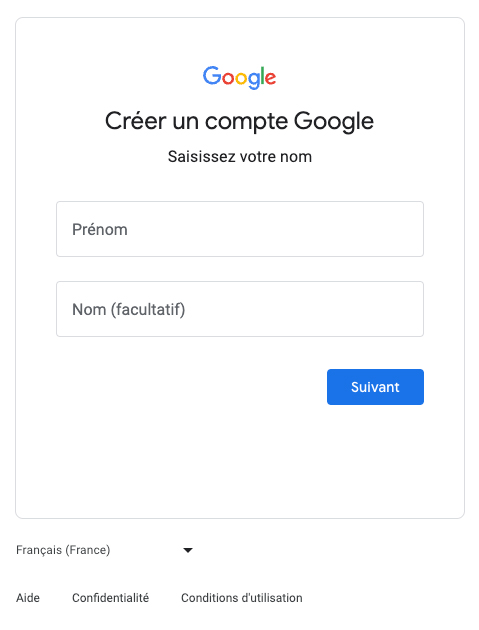
2. Create a YouTube account
With your Google account, you automatically have a personal YouTube account. To use it for business purposes, you need to create a brand account.
To do this, go to The YouTube home page, click on the avatar icon in the upper right corner of the screen, to access your account and click “Create a channel.”
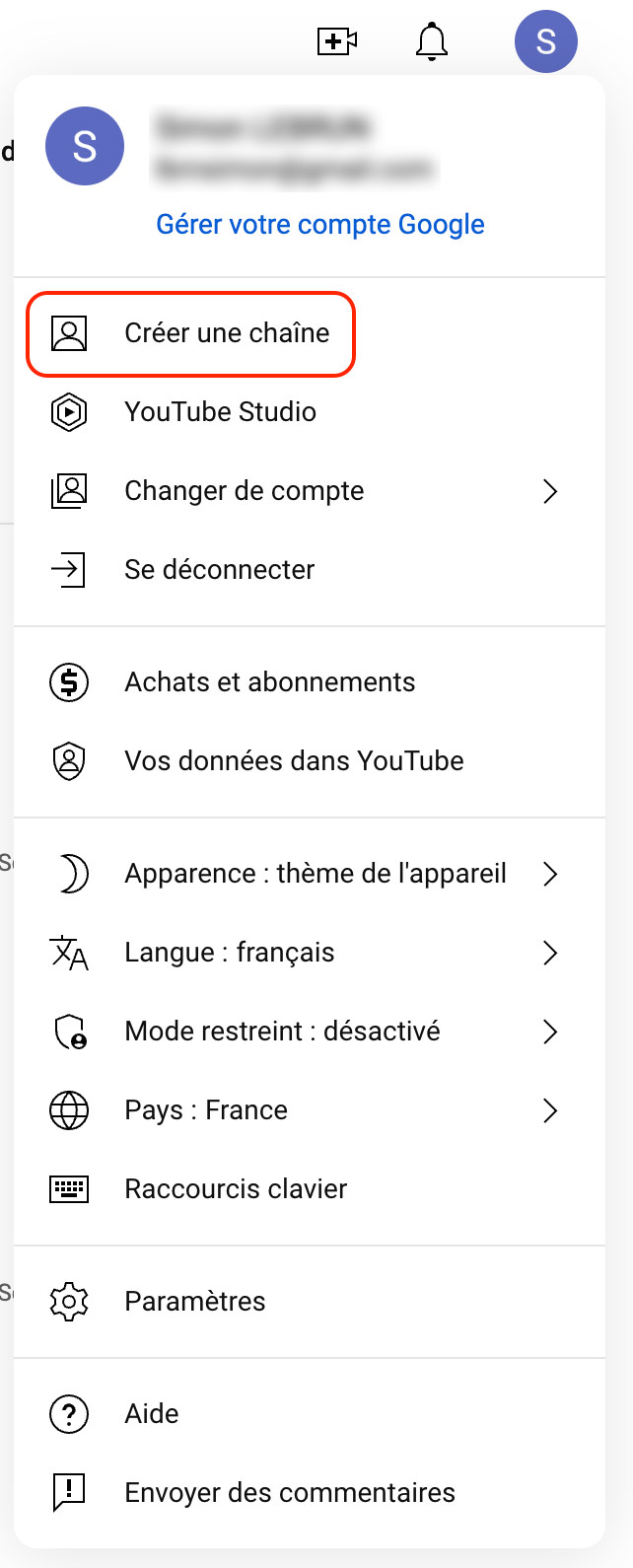
You will then be invited to Give your channel a name. The most obvious choice is, of course, your brand name.
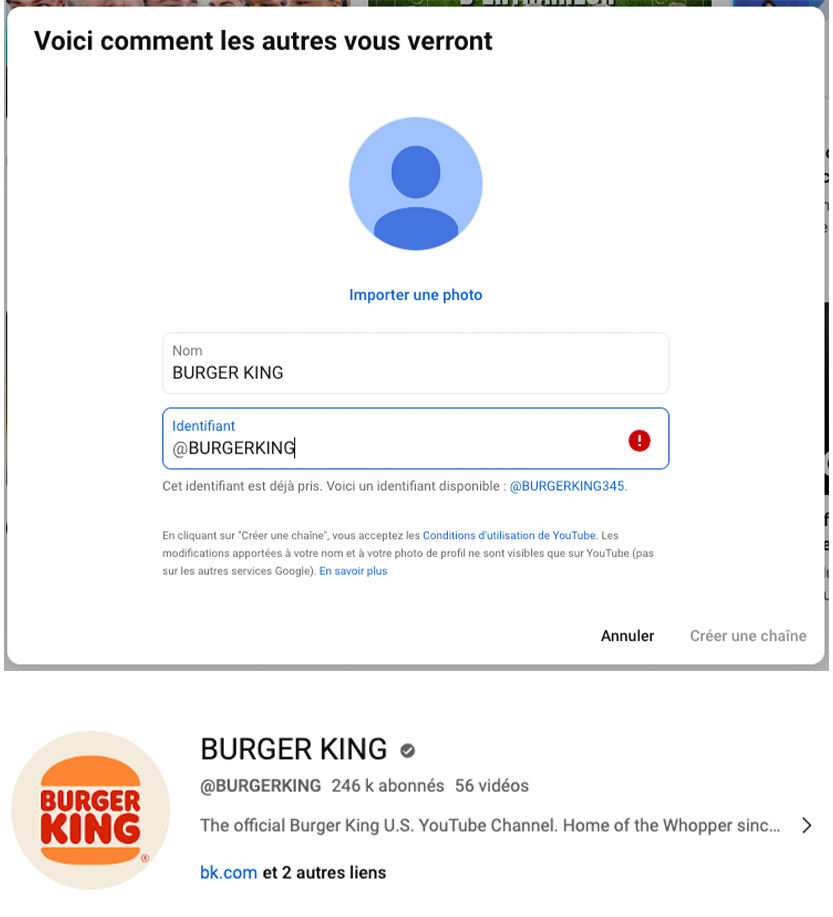
The advantage of creating a brand account on YouTube, is that you will be able to give administrator access to multiple people and customize the name and appearance of the account to match your brand image. You will also have access to YouTube analytics to better understand who is watching your videos and how your content is performing.
Our advice: secure your channel by setting up a two-step verification. Go to your Google account > click security in the navigation panel > click 2-step verification > click on Start in the “Connect to Google” section and follow the steps.
That's it, your account is now created and secure! It's time for the fun part!
3. Customize the layout of your YouTube channel
For more consistency between your different communication channels, it is important to personalize your channel.
Start by clicking on the “Personalize my channel” button at the top of the screen.
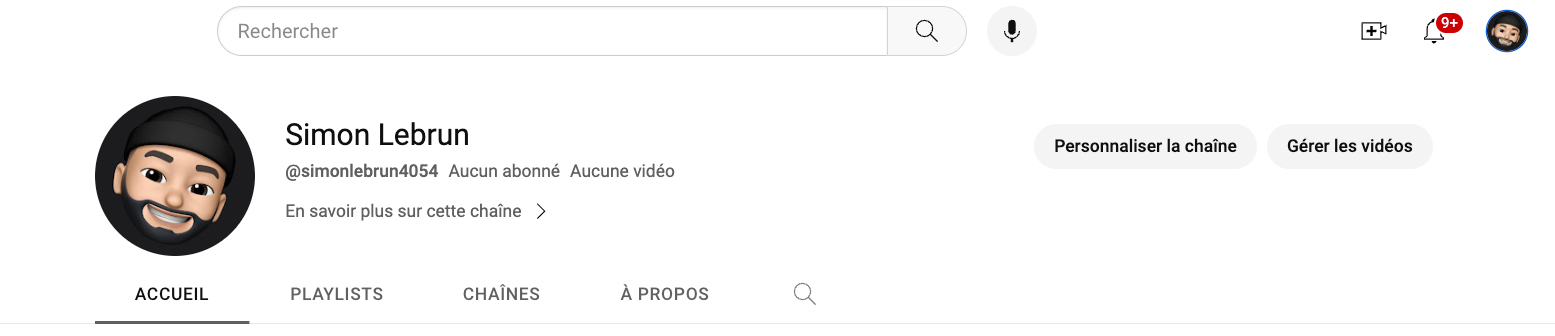
At this point, you'll be taken to the YouTube studio where you'll see options for customizing your channel, including The layout, brand image and basic information.
Let's just start with your layout. This allows you to organize what content people see first. Let's go through each of these items:
- Video projectors : It's the first piece of content that appears on your channel. You can add two types of video. One Trailer will be shown for people who are not subscribed to your channel and a featured video that will be displayed specifically for your subscribers (who have not yet seen it).
- Featured sections: Choose up to 12 featured sections that will appear on your channel. These organize the content that your visitors see first.
Once you've customized your layout, click on the Publish button at the top right. Or take the next step: branding.
4. Customizing the brand image of a YouTube channel
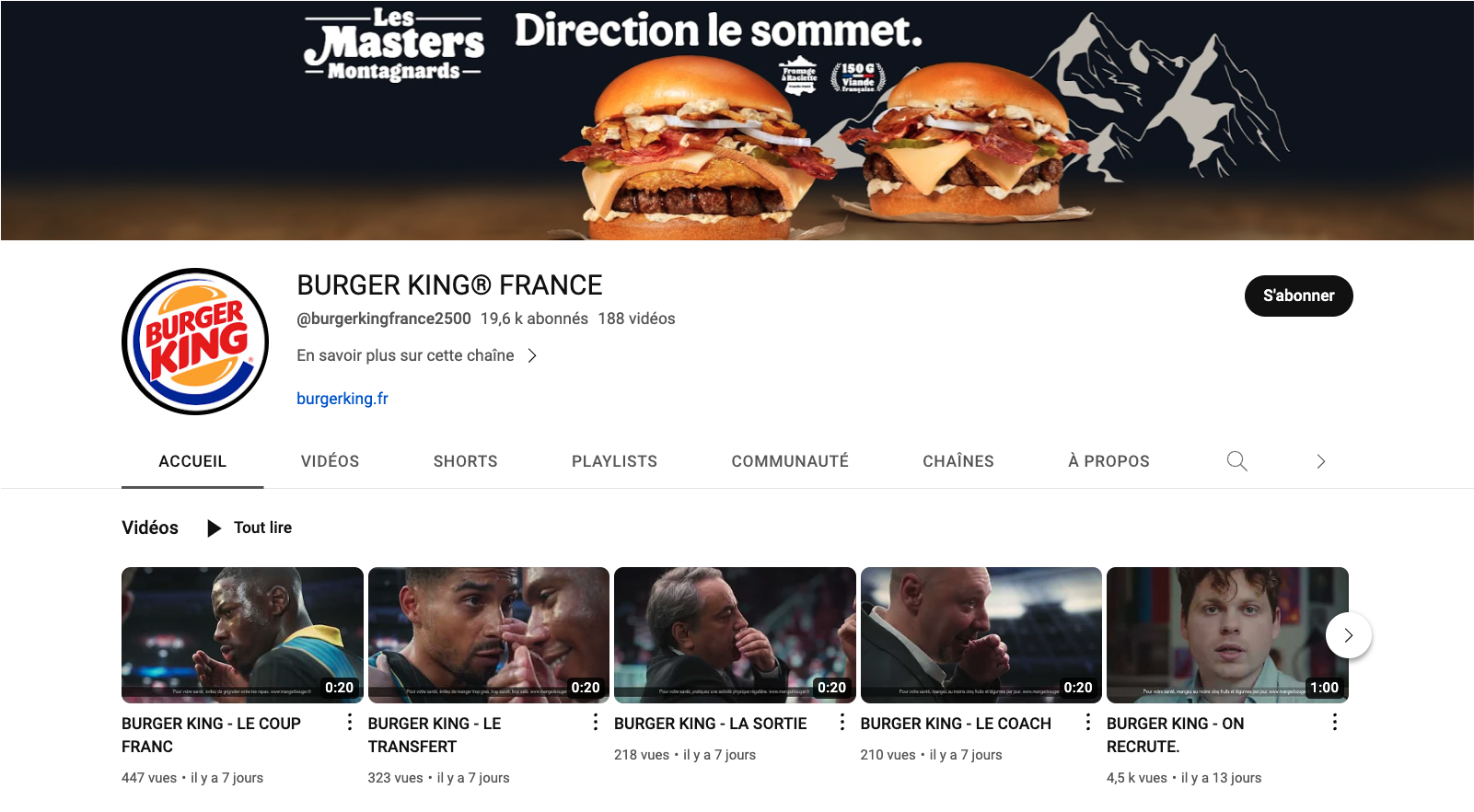
Three aspects of your channel can be adapted to accurately reflect your brand image:
- The profile photo (800 x 800 px) that appears next to your videos and comments.
- The banner image (1,546 x 423 px), which is the big image at the top of your YouTube channel.
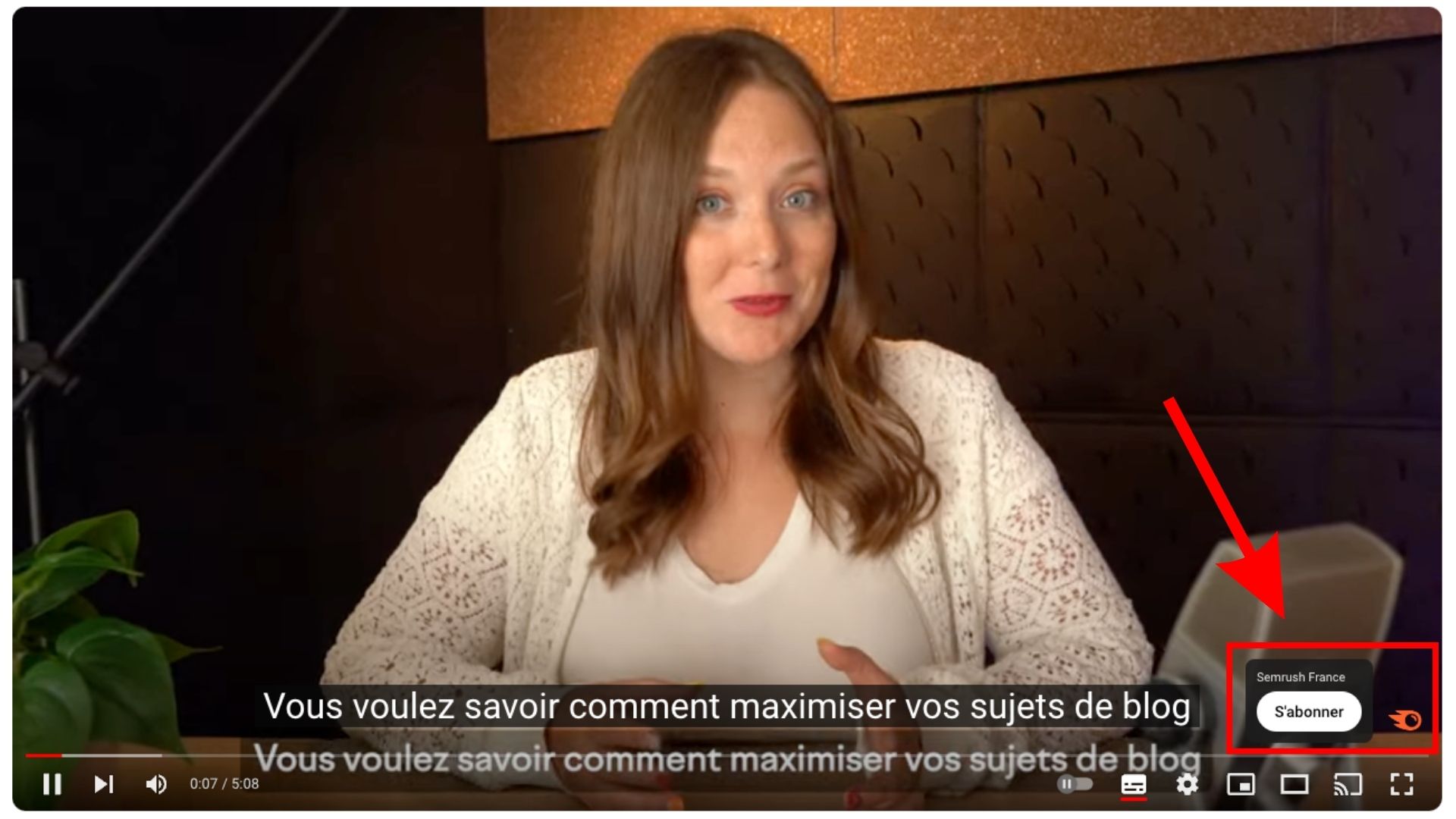
- The video watermark appears in the bottom right corner of your videos. You can choose when and for how long it is displayed.
Our advice: Make sure these visual elements are in line with your brand identity.
5. Write the bio for your YouTube brand account
YouTube offers you a great opportunity to reveal yourself to its vast community. The personalization of this information is essential to make an impression. The “About” tab is not only a business card, it's also your way of channeling visitors to your website and other social platforms. You have the ability to integrate up to 5 visible links on your banner, placed strategically at the bottom right.

Let's take a close look at the essentials you can customize for your channel:
- Name : Make sure it's true to what your channel represents, whether it's your identity, brand, or passion.
- Pseudonym : Choose a short and powerful version of your name that is easy to remember and easy to find. It will also be inserted into your public URL.
- Description : You have 1,000 characters to spice up the presentation of your channel. Feel free to diversify by offering descriptions in other languages. Integrate relevant keywords to optimize your visibility.
- Channel URL : It is the unique address of your channel, associated with your ID.
- Links : Channel your visitors by adding links to your website and other social profiles.
- Banner links : Position up to five key links on your banner, at the bottom right. Make sure they don't encroach on other essential graphic elements.
- Contact : Offer an email address so that interested parties can contact you, whether for collaborations, press requests or others.
After pressing “Publish”, that's it, your channel is ready! It's up to you to play by publishing your first video gems.
Make a successful start on your YouTube brand account
Now that you've created your YouTube brand account, all you have to do is Establishing your content strategy and promote your first videos!
{{cta}}
The best content strategies for brand accounts
First and foremost, for Succeed on YouTube, it is crucial to clearly define your target audience. The latter may vary from that of other social platforms, sometimes being more mature. However, the most notable difference is that YouTube audiences expect more content. thorough and qualitative compared to platforms like TikTok or Instagram, although YouTube recently introduced the “Shorts”, short videos in vertical format.
The goals of your YouTube brand account also deserve consideration. Are you looking to expand your audience? To build trust with your prospects? Or maybe to strengthen the loyalty of your current customers by offering high-end content?
Depending on your aspirations, you will be able to develop a well-adjusted strategy. Get inspired by other brands that are similar or that target a comparable audience, such as:
- Vogue : The renowned magazine relies on YouTube to connect with younger generations. By collaborating with influencers like Lena Situations, he adds a touch of spontaneity and authenticity to his image.

- Qare : This teleconsultation platform has chosen a unique approach by collaborating with Shera. By organizing round tables, she positions herself as an expert on the themes she addresses.

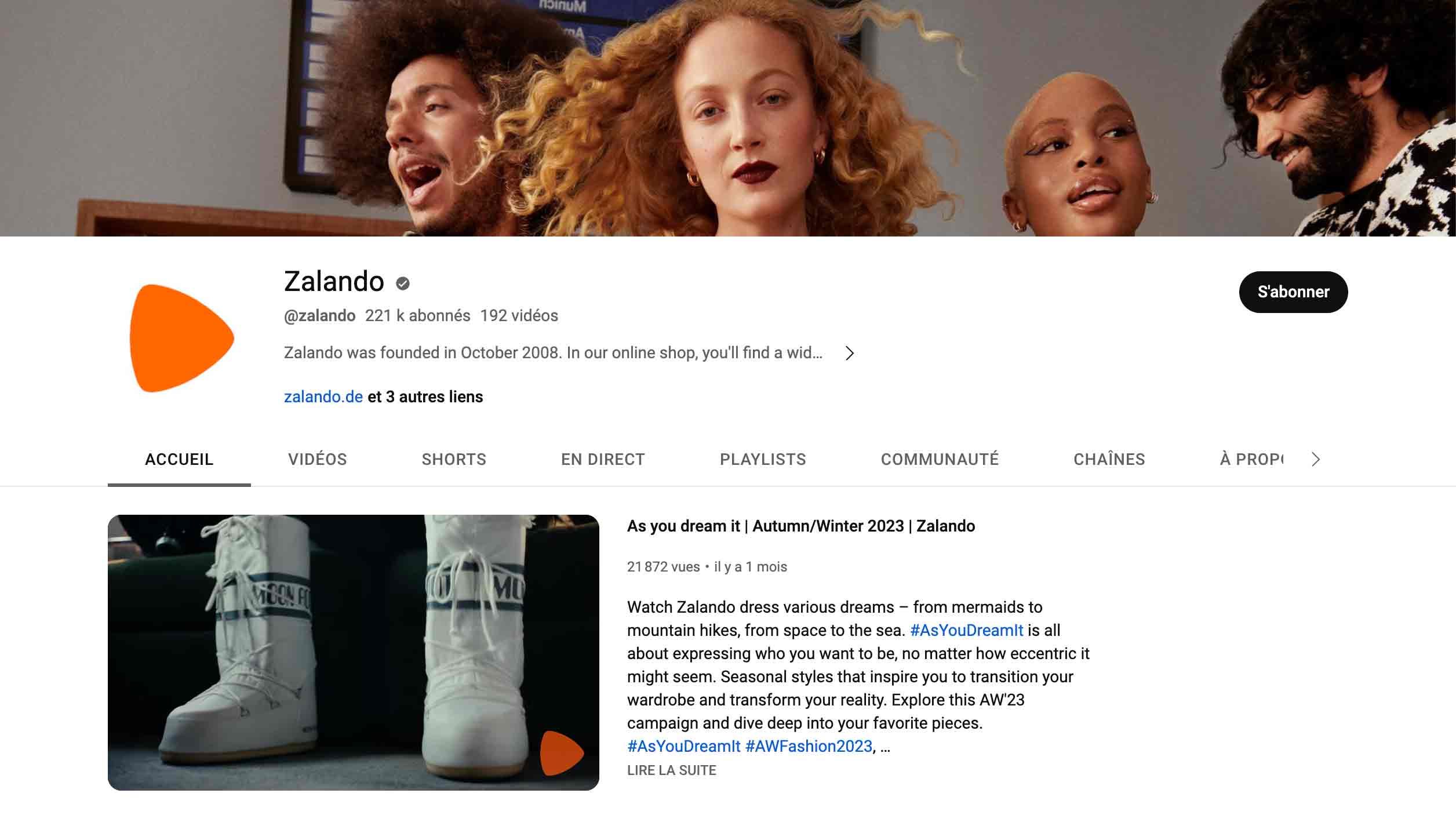
- Zalando : On YouTube, Zalando surfs on popular formats. Her videos offer behind the scenes glimpses and promote values dear to her followers.
YouTube promotion and engagement
Once you've developed your content strategy, the next step is toamplify its visibility and encourage interaction:
- Regularity : YouTube favors active channels. Aim for a regular frequency, such as a weekly video posted on Sundays.
- SEO optimization : Explore the keywords your audience is looking for. This can not only boost your visibility, but also reveal niches where you can stand out.
- YouTube advertising : YouTube offers a range of ads tailored to every need, from Instream ads to text banners. Familiarize yourself with these tools to maximize your reach.
The benefits of a YouTube brand account
Starting a YouTube channel is just the beginning. Becoming an ACE on this platform is another story.
Like many other platforms, YouTube offers an option to create a professional account. And that's a real plus for:
- Refine your marketing strategies,
- Have an eye on the interaction of your subscribers,
- Establish the reputation of your brand,
- And simplify the distribution of your videos on other networks or even for podcast episodes.
By following the tips in this guide, believe me, your channel will be on top in the blink of an eye!






.avif)